Instagram Grid Maker

Best Instagram Grid Maker Apps

Compare Instagram grid maker apps, browser tools, and visual planners with screenshots, workflow notes, and practical pros and cons.

How did we compare these Instagram grid maker apps?

This review looks beyond a simple feature list. Each tool is judged by setup effort, visual planning quality, whether it helps with real Instagram grid output, how clearly it handles posting order, and whether a creator can finish without unnecessary account steps.

1. Later

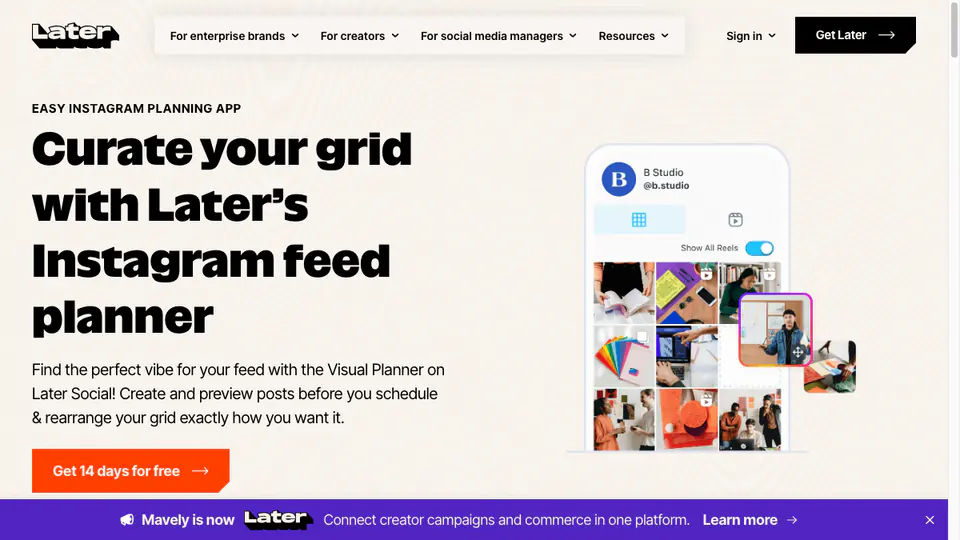
Later is a good fit when your Instagram grid is part of a larger publishing calendar. Its visual planner helps you arrange upcoming posts, preview the feed before publishing, and connect layout decisions to scheduling. That makes it stronger for ongoing content planning than for a single image split.

Later Instagram visual planner used for grid planning
Our Take

Later works best for creators, brands, and social media managers who plan several posts ahead. If you care about campaign timing, feed consistency, and scheduling in the same workflow, it is more complete than a lightweight splitter. The trade-off is speed: for one finished 3x3 image, it may be more tool than you need.

Key Features

  • Visual Instagram feed planner for arranging upcoming posts.
  • Scheduling workflow connected to planned content.
  • Useful for content calendars and recurring campaigns.
  • Works better for feed planning than instant tile export.

Pros

  • Good for long-term Instagram feed planning.
  • Combines visual layout decisions with scheduling.
  • Helpful for creators or teams managing an active calendar.

Cons

  • Requires more setup than a simple browser grid maker.
  • Not focused on instant 3x3 tile downloads.
  • Some workflows may depend on account setup or plan limits.

Best for: creators and brands planning a full Instagram content calendar.

Website: https://later.com
2. Instagram Grid Maker

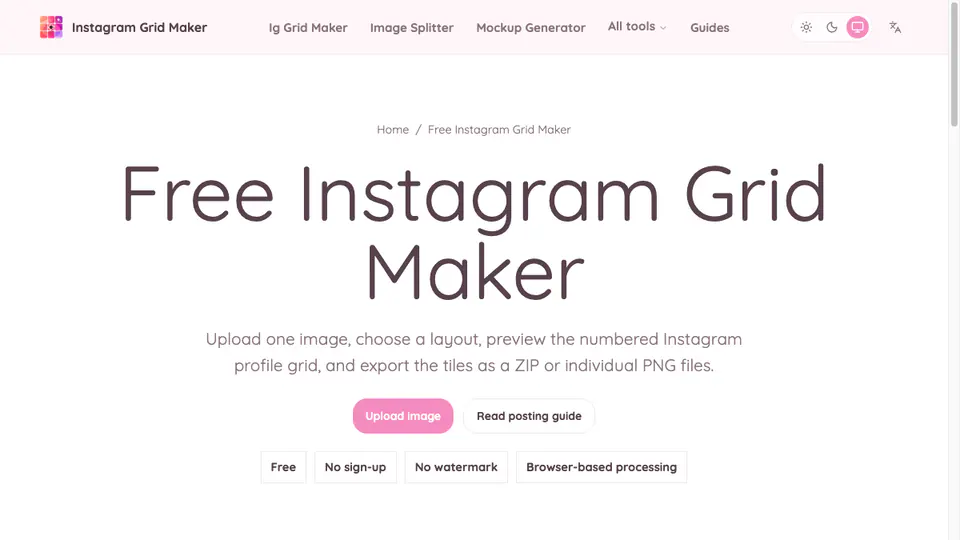
Instagram Grid Maker is built for the moment when you already have a finished image and want grid-ready files quickly. Instead of asking you to build a content calendar, it keeps the workflow narrow: upload an image, choose a layout, preview the crop, and export numbered tiles for posting.

Instagram Grid Maker browser tool with upload controls and grid preview
Our Take

This is the fastest option in the list for a straightforward split-and-download workflow. You do not need to install an app, connect an Instagram account, or log in before trying the tool. For Canva exports, campaign reveals, profile banners, and quick 3x3 grids, that simplicity is the main advantage.

Key Features

  • No login required.
  • Browser-based upload, crop preview, and export workflow.
  • Supports common layouts such as 3x1, 3x2, and 3x3.
  • Downloads numbered tiles for posting order.

Pros

  • Fast and easy for one-off grid splitting.
  • No account setup or Instagram connection needed.
  • Clear numbered export helps avoid posting tiles in the wrong order.

Cons

  • Not a full Instagram scheduler.
  • Does not replace a calendar workflow for teams.
  • Best when the design is already finished before upload.

Best for: quick Instagram grid splitting without login.

Website: https://instagramgridmaker.org/instagram-grid-maker/

3. PLANOLY

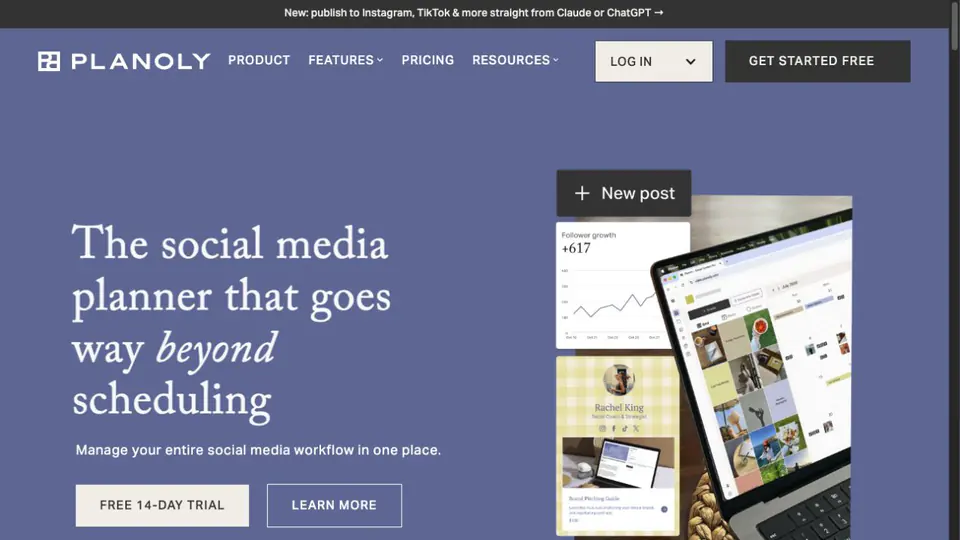
PLANOLY is another visual-first planner for creators who want to arrange an Instagram feed before publishing. It is strongest when the grid is one part of a broader social workflow, because the same product also supports a content calendar, media organization, scheduling, and cross-platform planning.

Planoly social media planner homepage showing visual planning and scheduling
Our Take

PLANOLY feels closer to a lightweight social media operating system than a one-click splitter. The grid planning angle is useful for creators who post repeatedly and want to keep future posts in context. If you only need numbered image tiles once, the account and scheduling layer adds more process than necessary.

Key Features

  • Visual planning for arranging Instagram content before it goes live.
  • Calendar-based planning for grid posts, carousels, Reels, and stories.
  • Media library and content organization for repeat publishing.
  • Scheduling and automation features for broader social management.

Pros

  • Useful when visual feed planning and scheduling belong together.
  • Good fit for creators, shops, and small teams planning weeks ahead.
  • The product clearly treats grid planning as a core workflow.

Cons

  • Heavier than a browser splitter for quick image exports.
  • Some useful workflows depend on signing up and choosing a plan.
  • It is not designed primarily for instant ZIP downloads of grid tiles.

Best for: creators who want grid planning connected to a publishing calendar.

Website: https://www.planoly.com/

4. Preview App

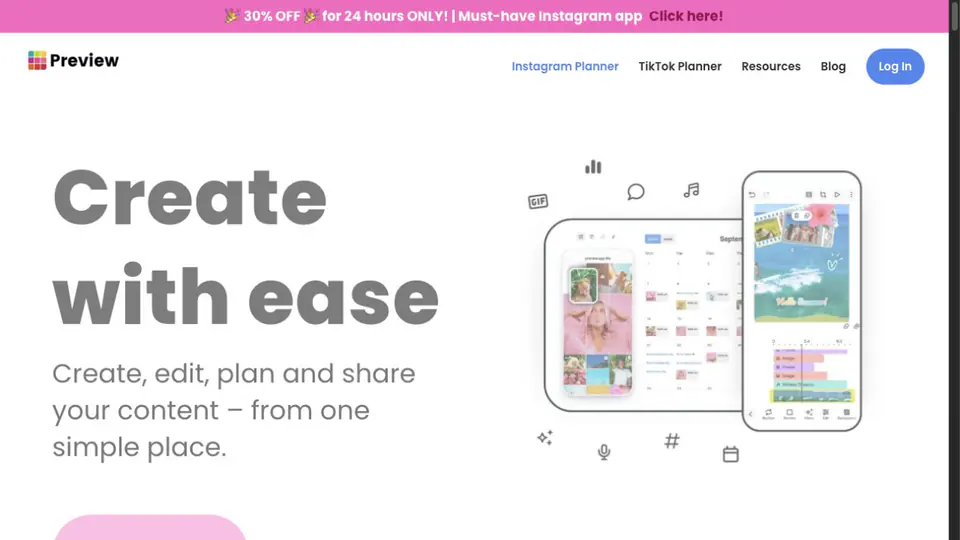
Preview App is a mobile-friendly Instagram planning tool with a simple promise: create, edit, plan, and share content from one place. Its site highlights unlimited post planning, feed previewing, scheduling, caption help, hashtags, analytics, and an image splitter for turning one picture into multiple grid posts.

Preview App homepage showing Instagram planner and mobile feed previews
Our Take

Preview App is easier to recommend for creators who plan on a phone and want visual order, captions, hashtags, and light scheduling together. It is less direct than a pure web splitter, but stronger when you need to keep many future posts organized and preview the feed as a running habit.

Key Features

  • Feed planner for arranging upcoming Instagram posts.
  • Image splitter for spreading one picture across multiple posts.
  • Caption, hashtag, scheduling, and analytics tools in the same ecosystem.
  • Mobile-first workflow with supporting desktop access.

Pros

  • Approachable for solo creators who prefer planning from a phone.
  • Combines feed preview and supporting content tools.
  • The image splitter makes it relevant for puzzle-style grids.

Cons

  • More app-centered than browser-centered.
  • Not as fast as opening a no-login splitter for one export.
  • Some publishing features depend on platform account rules.

Best for: mobile-first creators who plan feed order and captions together.

Website: https://thepreviewapp.com/

5. SplitImage

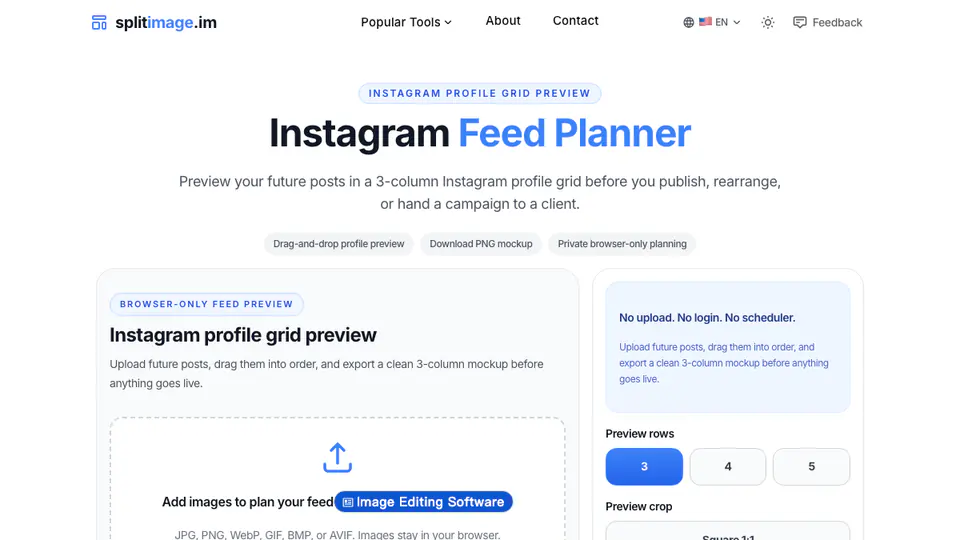
SplitImage is useful when the job is feed planning rather than scheduling. The Instagram Feed Planner lets you upload future posts, drag them into a three-column profile preview, switch crop views, and download a PNG mockup. It stays deliberately separate from Instagram login and scheduler workflows.

SplitImage Instagram Feed Planner browser workspace
Our Take

SplitImage fills the gap between a full scheduler and a tile splitter. It is best for checking whether a batch of separate photos works together before anything is published. It does not solve automated posting, but that restraint makes the workflow quick and private for planning approvals.

Key Features

  • Browser-only feed preview for separate future posts.
  • Drag-and-drop order changes in a three-column grid.
  • Square and profile-style crop previews.
  • PNG mockup export for review or client approval.

Pros

  • Good for planning multiple separate posts, not only puzzle images.
  • No Instagram connection or scheduler setup required.
  • Mockup export is useful for approvals before publishing.

Cons

  • Does not publish or schedule posts.
  • Not the right tool when you need numbered tile files from one image.
  • Best results still depend on preparing real future post images first.

Best for: checking a future Instagram feed layout before posting.

Website: https://splitimage.im/instagram-feed-planner/

6. 9Grid

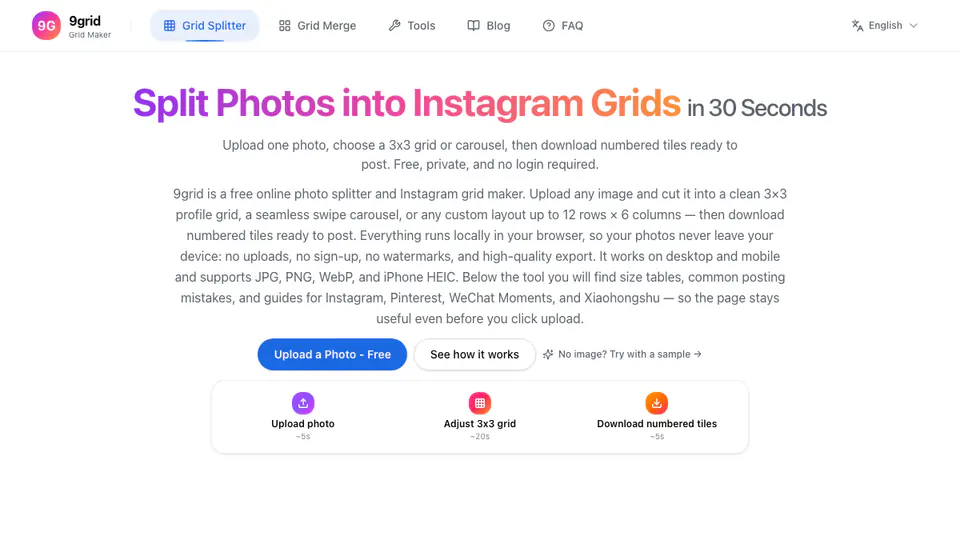
9Grid is a focused browser tool for splitting photos into Instagram grids, carousels, and custom layouts. Its homepage emphasizes local processing, no sign-up, no watermark, numbered downloads, and support for common image formats. That makes it a direct competitor in the fast online grid maker category.

9Grid Instagram image splitter homepage with upload workflow
Our Take

9Grid is strong when privacy and speed matter more than account management. It is close to our own tool category: upload, choose a layout, download numbered tiles. The main question for users is interface preference and whether they also need adjacent tools such as carousel splitting or grid merging.

Key Features

  • Free browser-based Instagram grid splitter.
  • Local processing with no sign-up or watermark claims on the homepage.
  • Supports 3x3 grids, carousels, and custom layouts.
  • Numbered tile downloads for posting order.

Pros

  • Fast for simple grid and carousel splitting.
  • Privacy messaging is clear for browser-side processing.
  • Useful adjacent tools make it more than a single preset page.

Cons

  • No full social media calendar or team workflow.
  • The page can feel broader than needed if you only want one 3x3 export.
  • As with any online splitter, you should still inspect edge crops before posting.

Best for: private online splitting into grids, carousels, and custom layouts.

Website: https://9grid.app/

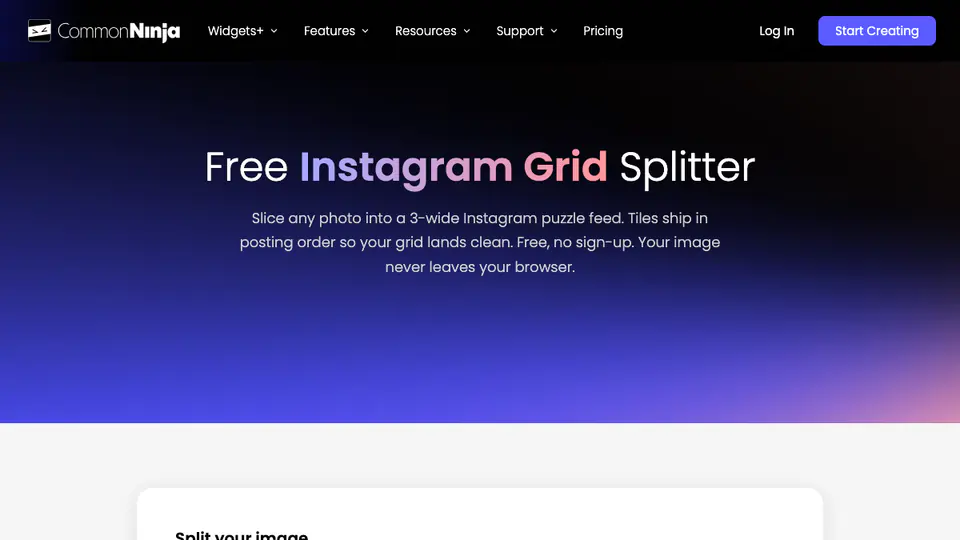
7. Common Ninja

Common Ninja offers a free Instagram Grid Splitter inside a larger marketing tools catalog. The tool is positioned around quick browser processing: upload a PNG, JPG, or WebP image, choose a layout, and download tiles in posting order. It is more specialized than a scheduler and more tool-directory-like than a standalone grid product.

Common Ninja free Instagram grid splitter homepage
Our Take

Common Ninja is a practical fallback when someone wants a quick split and already trusts the Common Ninja tool ecosystem. The advantage is clarity: it explains posting order and keeps the splitter easy to find. The limitation is focus, because the page lives inside a much broader widget and marketing-tool platform.

Key Features

  • Free Instagram grid splitter page.
  • Supports PNG, JPG, and WebP uploads up to the stated file limit.
  • Layouts from single-row panoramas to longer 3-column grids.
  • Tiles are presented in posting order for Instagram profile assembly.

Pros

  • Clear workflow for upload, layout choice, and ordered download.
  • Good documentation around posting order.
  • Useful if you already use other Common Ninja tools.

Cons

  • The broader platform navigation can distract from the splitter.
  • Not meant for calendar planning or post scheduling.
  • Less distinctive if you only compare it with other no-login splitters.

Best for: quick grid splitting inside a broader free-tool catalog.

Website: https://www.commoninja.com/free-tools/social-media/instagram-grid-splitter

What do people ask about Best Instagram Grid Maker Apps?

What is the best Instagram grid maker app?

The best choice depends on your workflow. For quick splitting, a browser tool is often enough.

Is an online Instagram grid maker better than an app?

It can be better for fast, no-install exports. Apps may help when you need saved projects or ongoing planning.

Do grid maker apps add watermarks?

Some do. Check export previews and pricing before relying on an app for a campaign.