
Instagram Image Splitter
Cut one image into 3, 6, 9, or custom Instagram posts with safe margins, numbered downloads, and a profile-grid preview.
FreeNo sign-upNo watermarkBrowser-based processing
Layout preset
Export style
Margin style
Safe margin
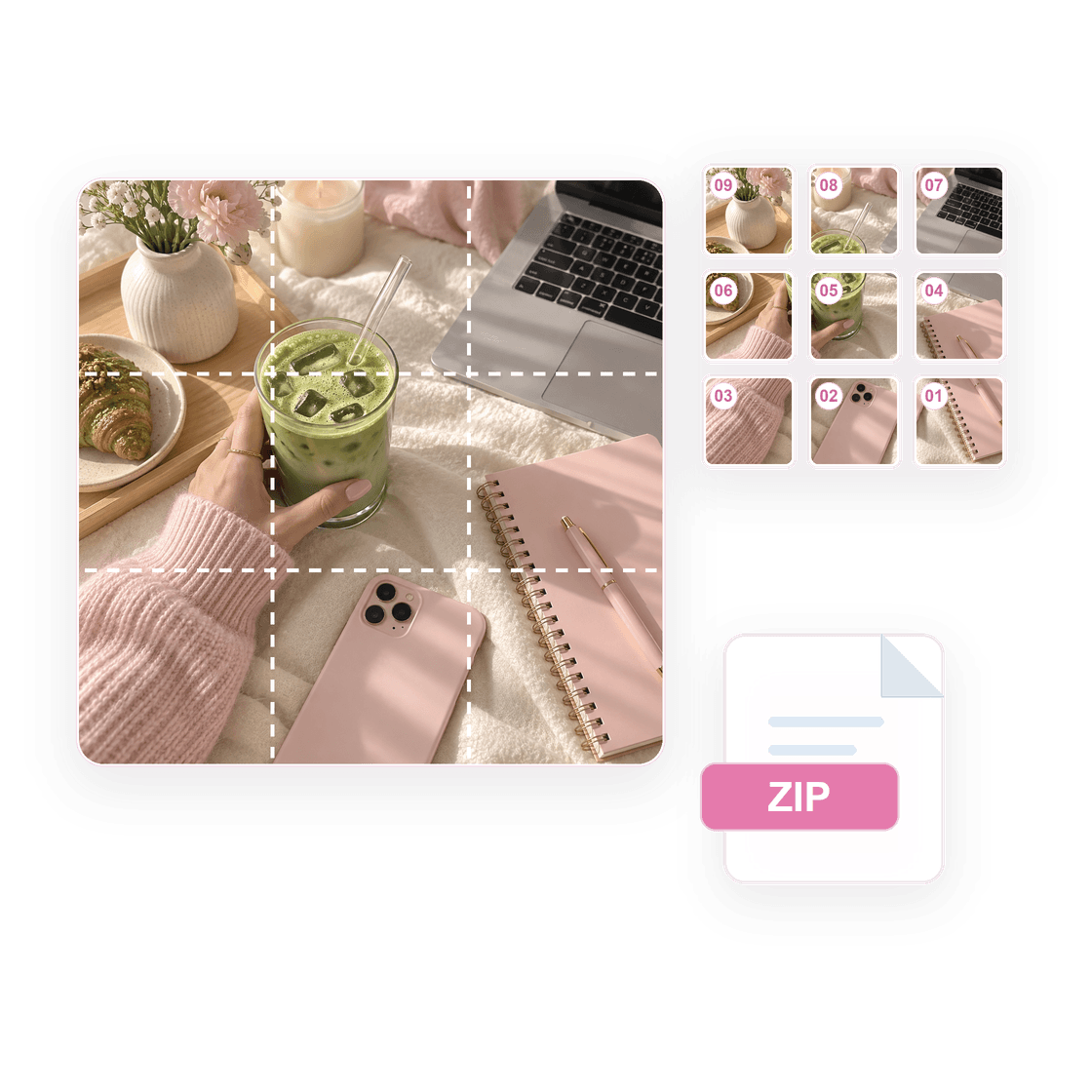
Tip: follow the numbers on the preview. 1 uploads first; the highest number uploads last.
Your split image preview will appear here.
Which 3, 6, or 9 photo split should I choose?
Choose 3 photos for one profile row, 6 photos for a two-row campaign, and 9 photos for a classic profile reveal. The examples below answer the layout decision first, then show the tile count you will download.
How do I post numbered tiles in the correct order?
Instagram puts the newest post first, so start with tile 01 and continue upward through the exported numbers. Follow the preview from bottom-right to top-left, and the final profile grid will land in the intended order.
UploadJPG / PNG / WebP
Preview3x3 order grid
Export01-09 PNG tiles
090807060504030201
tile_01.pngtile_02.pngtile_03.png
What Instagram image sizes and aspect ratios should I use?
Use square 1080 x 1080 tiles for the safest profile-grid alignment, and use 4:5 portrait exports when feed height matters more. The size table below turns those choices into practical dimensions before you split the image.
| Format | Dimensions | Aspect Ratio | Best For |
|---|---|---|---|
| Square | 1080 x 1080px | 1:1 | Classic square posts, centered grid tiles |
| Portrait | 1080 x 1350px | 4:5 | Feed posts, carousels |
| Landscape | 1080 x 566px | 16:9 | Wide photos, panoramic feed posts |
| Stories/Reels | 1080 x 1920px | 9:16 | Stories, Reels |
When should you use an Instagram image splitter?
Use the image splitter when you already have one finished visual and need separate Instagram-ready files. It works well for profile puzzle grids, product reveal posts, launch announcements, portfolio rows, and any design that needs to be posted as numbered tiles.
A 3-part split is best for one profile row. A 6-part split gives you two rows for a campaign or announcement. A 9-part split creates the classic 3x3 profile reveal. Custom rows and columns help when your design does not fit one of the common presets.
Before downloading, use the preview to check whether faces, logos, text, and calls to action sit too close to a tile edge. This matters because a split image can look correct as one full design but still feel awkward if important details are cut between two posts.
What do people ask about Instagram Image Splitter?
How do I split an image for Instagram?
Upload the image, choose rows and columns, preview the numbered tiles, then download and post the files in order.
Can I split a photo into 9 Instagram posts?
Yes. Choose the 3x3 preset to export nine numbered tiles.
What is the difference between an image splitter and a grid maker?
The splitter focuses on cutting one image into tiles. The grid maker also includes broader layout, preview, and planning links.
Can I download all split images at once?
Yes. After uploading and previewing the split, you can download the full set as a ZIP or save the individual PNG tiles one by one.
Does the splitter support custom rows and columns?
Yes. You can use preset layouts such as 3x1, 3x2, and 3x3, or adjust the row and column controls for a custom grid.
What should I check before posting the tiles?
Check the numbered order, tile edges, faces, logos, and text placement. For profile grids, post the lowest number first and continue upward so the full image lands in the right order on your Instagram profile.
Can I split an image into 2 or 3 parts?
Yes. Use the custom controls to set 2 columns and 1 row for two side-by-side tiles, 3 columns and 1 row for a three-part profile row, or 1 column with multiple rows for a vertical stack.
Can I split an image vertically or horizontally?
Yes. Increase columns when you want a horizontal row or carousel-style slices. Increase rows when you want a vertical split. Set both rows and columns when you need a full grid.
Can this tool create an Instagram carousel split?
Yes. Switch to Carousel mode, choose 3 or 5 slides, then pick a 4:5, square, or landscape slide ratio. Use crop for edge-to-edge slides or padding when you want the full image visible.
Why would I add safe margins to a grid image?
Safe margins add a 4:5 frame around each tile so faces, logos, and text are less likely to sit on profile or feed crop edges. Use the exact grid option when a seamless profile mosaic matters more than extra breathing room.
What files and grid sizes are supported?
Upload JPG, PNG, or WebP images up to 25 MB. The custom controls allow 1 to 10 rows and 1 to 10 columns, though very large grids can take longer because the browser creates every PNG tile locally.
Is there a watermark or sign-up requirement?
No. The splitter is free to use without sign-up, and exported PNG or ZIP files do not include a watermark. Image processing happens in your browser.