
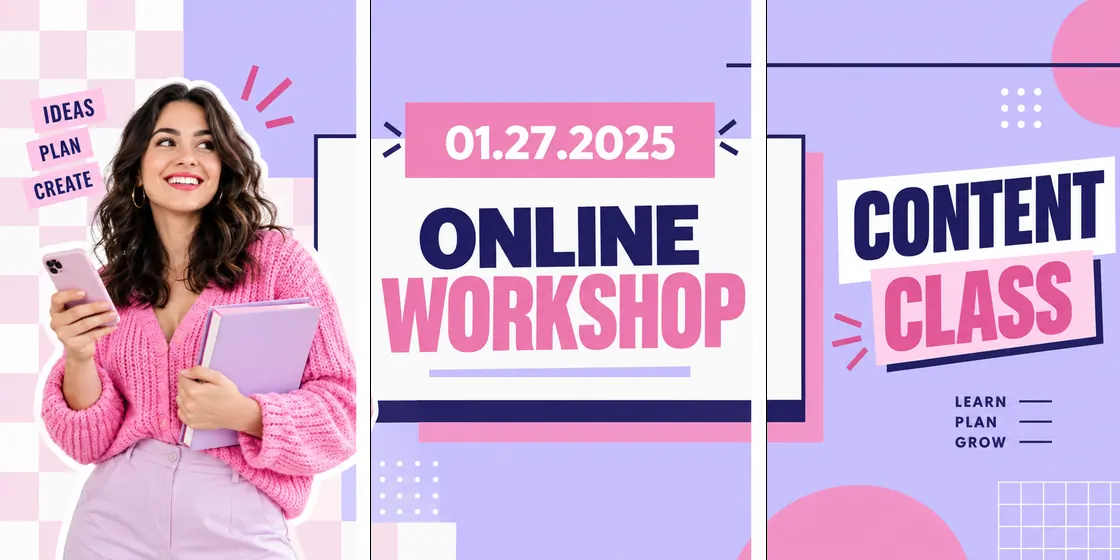
Online class
Promote a free class or workshop
Turn a lesson, webinar, or creator freebie into a profile row with phone previews, lesson cards, and one bold promise.
Make a class bannerCreate a 3-post Instagram banner from one image. Upload a wide design, preview the profile row, adjust the crop, and export three numbered tiles.
No sign-up. No watermark. Browser-based processing for the core tool flow.
Tip: follow the numbers on the preview. 1 uploads first; the highest number uploads last.
Your 3-post Instagram banner preview will appear here.
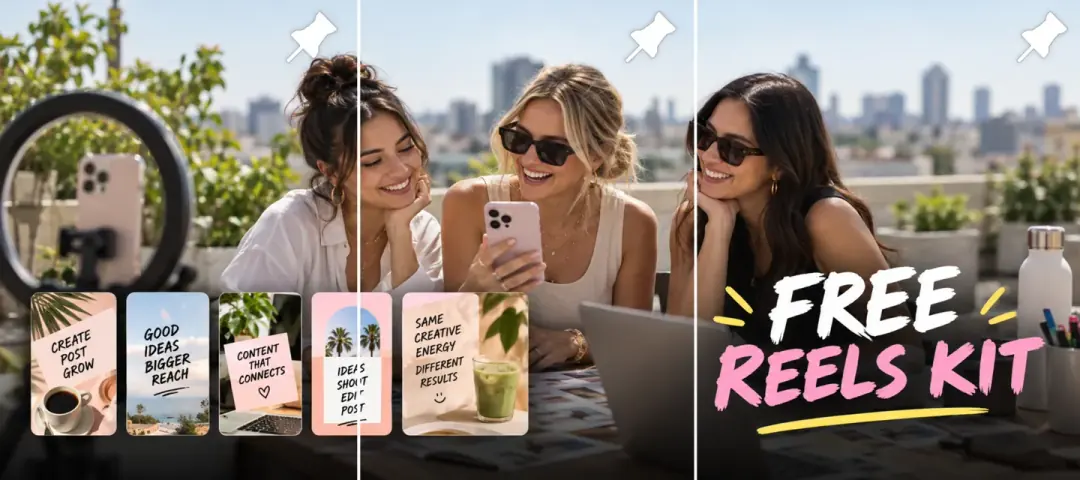
Use the 3-post banner format for more than profile art. These examples show how creator education and ecommerce campaigns can turn one wide promotional visual into a row of numbered posts.
Turn a lesson, webinar, or creator freebie into a profile row with phone previews, lesson cards, and one bold promise.
Make a class banner
Use product photography, launch copy, and preview cards to make one 3-post row for ecommerce campaigns.
Make a launch bannerStart with one wide image that should read across a single Instagram profile row. The banner maker opens on the 3x1 preset, shows crop lines, and exports numbered posts so the row assembles correctly after publishing.
Use a campaign image, launch strip, portfolio row, or Canva export.
The workspace starts with three columns and one row for a profile banner.
Zoom or pan until faces, text, and logos sit away from tile edges.
Export the ZIP and publish tile 01 first, then 02, then 03.
For a modern feed-safe banner, design three 1080 x 1350 px tiles on one 3240 x 1350 px canvas. Square tiles can still work for older grid aesthetics, but portrait tiles give the feed more vertical room.
3240 x 1350px
3240 x 1080px
Use a banner grid when the image should live on the profile after three separate posts. Use a carousel when the story should be read inside one swipeable post and each panel needs to make sense on its own.
Best for launches, announcements, portfolio strips, and visual headers that should span three profile tiles.
Use banner maker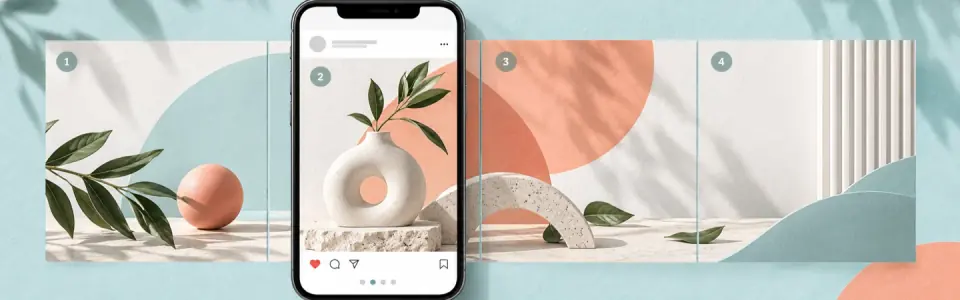
Better when followers should read the image left to right inside one post instead of visiting your profile grid.
Open carousel makerCreate exactly three profile posts from one wide image, check the row before export, and download named files that show the upload order.
The current splitting workflow runs in the browser session.
Filenames and preview labels show what to publish first.
Download the full set together or save tiles one at a time.
Here, an Instagram banner means one wide image split into three separate feed posts that line up as one row on your profile grid.
No. Instagram does not provide a separate profile banner field like some other social platforms, so creators usually make a banner effect with three grid posts.
A practical portrait-tile banner is 3240 by 1350 pixels, which becomes three 1080 by 1350 posts. Use 3240 by 1080 if your design is square-tile based.
Publish tile 01 first, tile 02 second, and tile 03 last. The newest post appears first on the profile, so the numbered export keeps the row aligned.
Yes. Upload the image, use the 3x1 preset, preview the result, and download the three PNG tiles without sign-up or a watermark.
Use a grid banner when the final image should stay visible on your profile. Use a carousel when viewers should swipe through one post in the feed.
Before publishing, check that the banner uses three profile posts, each tile stays 1080px wide, important details avoid crop edges, and tile 01 is posted first.
Sources: Instagram Help Center: image resolution of photos · Instagram / Adam Mosseri profile roadmap